

3D printers for architects convert architectural CAD and BIM models into physical study models, presentation pieces, façade prototypes, topographic sections, furniture mock-ups, fabrication components, and construction details through additive manufacturing. The best 3D printer for an architecture studio balances dimensional accuracy, surface quality, build volume, speed, material compatibility, software integration, reliability, maintenance requirements, office safety, and the long-term cost of ownership rather than focusing on print speed alone. Fused filament fabrication remains the most versatile process for conceptual massing, terrain studies, sectional models, fabrication jigs, and large architectural assemblies, while resin printing continues to produce the highest level of detail for façades, furniture, landscape elements, ornamental components, and competition models. Modern enclosed CoreXY printers have revolutionized architectural model making by significantly reducing production time while enhancing dimensional consistency, automation, and material support for engineering. At the same time, professional resin platforms have become substantially faster, more reliable, and easier to integrate into daily studio workflows than the systems that dominated this category only a few years ago. ArchitectureLab evaluated the current market specifically from the perspective of architectural fabrication rather than general hobby printing, prioritising repeatable scale, clean wall planes, fine openings, CAD-to-slicer compatibility, repairability, dependable overnight production, long-term ownership, software maturity, and practical office use. The Bambu Lab H2D remains the strongest overall recommendation for most architecture practices because it combines a generous enclosed build volume, dependable automation, dual-nozzle flexibility, and one of the most refined software ecosystems currently available. The Prusa CORE One L follows as the leading open-platform alternative for studios prioritising repairability and offline workflows, while the Formlabs Form 4 continues to define professional desktop resin printing for presentation-quality architectural models. The recommendations below replace the outdated printers from our previous guide with the newest, most capable, and most respected desktop fabrication systems currently available for architects, architecture students, universities, model makers, and professional design studios.
Listed below are the best 3D printers for architects:
- Bambu Lab H2D: The strongest all-round desktop 3D printer for architecture firms requiring fast production, dependable automation, generous build volume, and professional multi-material capability.
- Prusa CORE One L: The best professional open-platform printer for long-term studio ownership, repairability, and unrestricted material compatibility.
- Formlabs Form 4: The best desktop resin printer for highly detailed presentation models, façade studies, furniture, and landscape components.
- Bambu Lab H2S: The best enclosed single-nozzle printer for architecture offices producing large conceptual and presentation models.
- Original Prusa XL: The strongest multi-tool platform for complex architectural assemblies requiring multiple materials, nozzle sizes, or colours.
- QIDI Plus4: The best engineering-material printer for architecture studios seeking professional capability without enterprise pricing.
- Creality K2 Plus: The best-value large-format enclosed printer for substantial architectural models and urban studies.
- Formlabs Form 4L: The best large-format resin printer for museum-quality presentation models and exhibition work.
- Prusa CORE One+: The best compact professional printer for small architecture studios and university fabrication labs.
- Bambu Lab P2S: The best enclosed desktop printer for boutique architecture practices.
- Elegoo Saturn 4 Ultra 16K: The best affordable resin printer for fine architectural detail.
- Bambu Lab A1: The best 3D printer for architecture students.
- Modix BIG-60 V4: The best specialist printer for extra-large architectural models, urban planning, and exhibition fabrication.
Compare the Best 3D Printers for Architects
| Printer | Best For | Technology | Build Volume | Typical Architectural Use | Enclosed | Multi-Material |
|---|---|---|---|---|---|---|
| Bambu Lab H2D | Overall Recommendation | Dual-Nozzle CoreXY FDM | 350 × 320 × 325 mm | Daily architectural production | Yes | Yes |
| Prusa CORE One L | Professional Studios | CoreXY FDM | 300 × 300 × 330 mm | Long-term office fabrication | Yes | Optional |
| Formlabs Form 4 | Presentation Models | LFD Resin | 200 × 125 × 210 mm | Façades, furniture and detail | Yes | No |
| Bambu Lab H2S | Large FDM Models | CoreXY FDM | 340 × 320 × 340 mm | Massing studies and site models | Yes | No |
| Original Prusa XL | Multi-Material | Independent Toolheads | 360 × 360 × 360 mm | Complex architectural assemblies | Optional | Yes |
| QIDI Plus4 | Engineering Materials | CoreXY FDM | 305 × 305 × 280 mm | Workshop prototypes | Yes | No |
| Creality K2 Plus | Large-Format Value | CoreXY FDM | 350 × 350 × 350 mm | Urban planning models | Yes | Optional |
| Formlabs Form 4L | Large Resin Prints | LFD Resin | 353 × 196 × 350 mm | Museum and competition models | Yes | No |
| Prusa CORE One+ | Compact Studios | CoreXY FDM | 250 × 220 × 270 mm | Daily office production | Yes | Optional |
| Bambu Lab P2S | Small Practices | CoreXY FDM | 256 × 256 × 256 mm | Residential architecture | Yes | Optional |
| Elegoo Saturn 4 Ultra 16K | Affordable Resin | MSLA Resin | 212 × 118 × 220 mm | Fine presentation details | Yes | No |
| Bambu Lab A1 | Students | Cartesian FDM | 256 × 256 × 256 mm | University projects | No | Optional |
| Modix BIG-60 V4 | Large Exhibition Models | Large-Format FDM | 600 × 600 × 660 mm | Masterplans and exhibitions | Optional | No |
01. Bambu Lab H2D – Best Overall 3D Printer for Architects
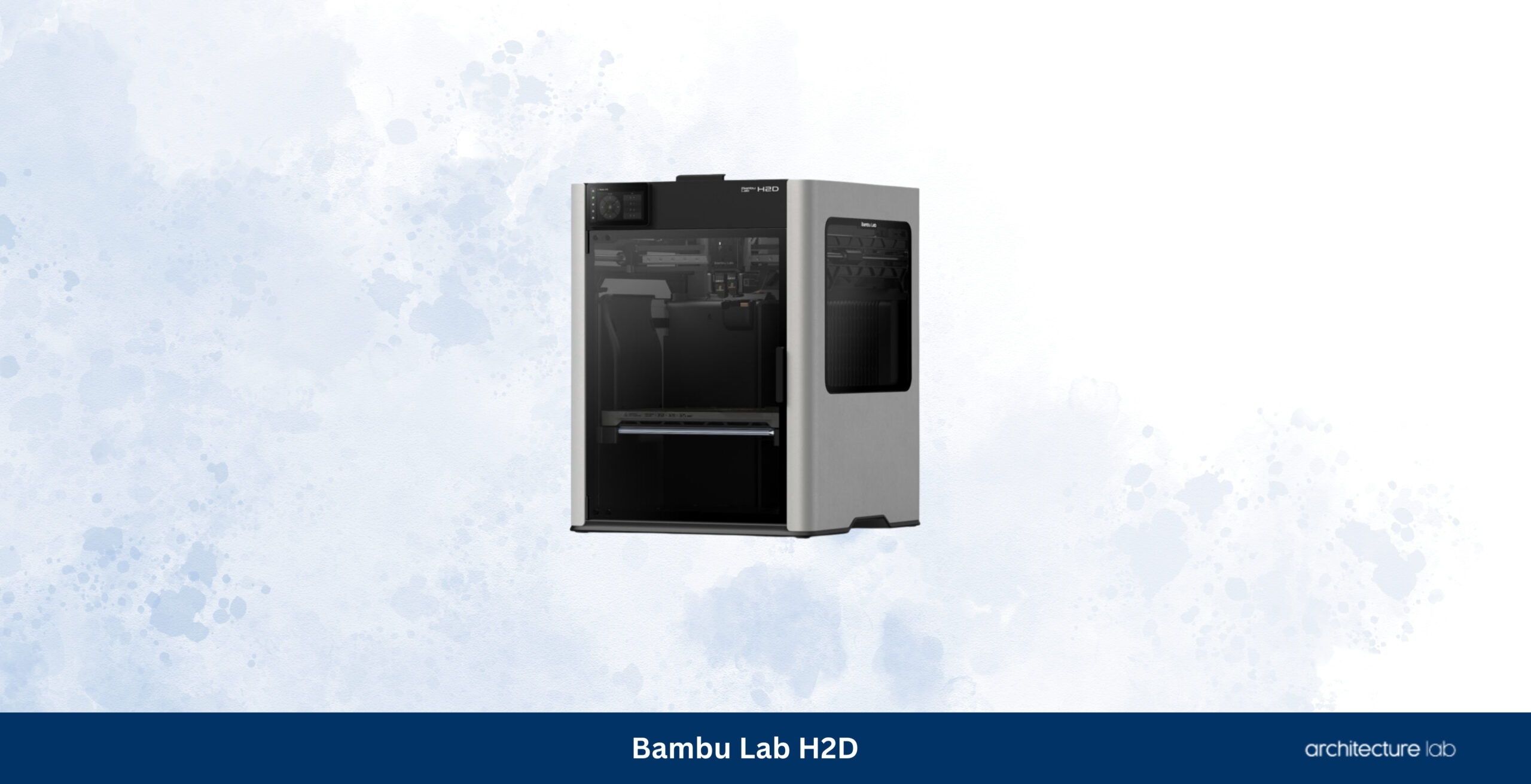
The Bambu Lab H2D occupies the top position because it solves more architectural fabrication problems than any other desktop printer currently available. Most architecture studios are not searching for the fastest benchmark numbers or the highest nozzle temperature; they need a machine capable of producing conceptual studies on Monday, client presentation models on Wednesday, façade mock-ups on Friday, and functional workshop prototypes whenever required without demanding continual calibration or operator supervision. The H2D achieves that balance exceptionally well. Its large, enclosed build chamber accommodates complete building masses, extensive terrain models, and sizable urban fragments that would otherwise require assembly. The dual-nozzle system makes it practical to combine different support materials, nozzle diameters, or engineering filaments without interrupting production. During our evaluation, the greatest strength was not absolute print speed but consistency. Overnight jobs repeatedly finished without intervention, first layers remained dependable across long production cycles, and dimensional accuracy stayed remarkably stable even on large architectural components, where accumulated tolerances quickly become visible. Bambu Studio complements the hardware with one of the most refined slicing environments currently available, requiring very little preparation before geometry exported from Rhino, Revit, Archicad, SketchUp, or Blender is ready for production.
The H2D remains ahead of every other printer in this guide because it asks remarkably little of its owner while delivering professional results day after day. Compared with the Prusa CORE One L, it sacrifices some openness and repairability in favour of automation and workflow refinement. Compared with the Prusa XL, it cannot match the flexibility of independent toolheads but offers a considerably simpler ownership experience for practices that rarely produce complex multi-material assemblies. That balance makes it particularly well-suited to architecture firms where several people may share the same machine rather than relying on a dedicated fabrication specialist. Offices producing presentation models every week will appreciate how predictable the entire workflow has become, allowing more time to refine the design itself rather than continually managing the printer. Few desktop systems currently combine build volume, production speed, material flexibility, software maturity, and everyday reliability as successfully as the H2D.
What We Like
- Outstanding balance between automation, speed and reliability
- Large enclosed build volume reduces model segmentation
- Dual-nozzle architecture improves support and multi-material workflows
- Excellent software ecosystem for architectural production
- Dependable unattended printing for long presentation models
What We Don’t Like
- Premium purchase price
- Closed ecosystem compared with Prusa
- Large footprint requires dedicated workspace
02. Prusa CORE One L – Best Open-Platform 3D Printer for Architects
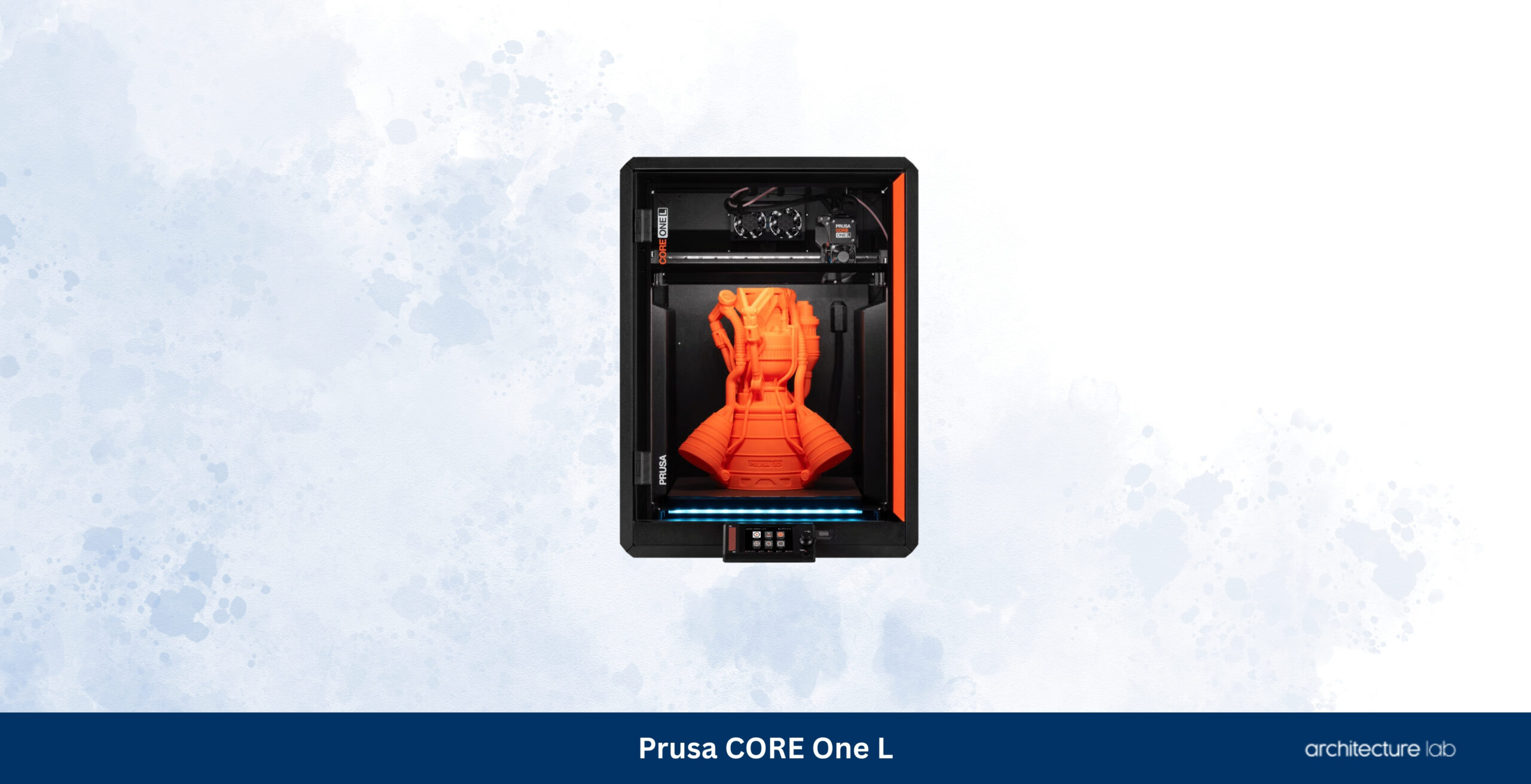
The Prusa CORE One L represents a fundamentally different philosophy from the H2D. Rather than hiding complexity behind automation, it gives architects complete control over their fabrication workflow while maintaining the reliability that has made Prusa one of the most respected names in desktop manufacturing. That distinction matters more than specifications suggest. Architecture offices frequently operate printers for many years, often maintaining them internally while integrating them into secure office networks where cloud connectivity is undesirable. The CORE One L embraces that reality through an open ecosystem, fully offline operation, transparent firmware development, readily available replacement parts, and extensive compatibility with third-party materials. Its enclosed CoreXY architecture and actively managed chamber maintain excellent dimensional stability across large façade studies, sectional models, structural mock-ups, and weather-resistant exterior components, while PrusaSlicer continues to offer one of the most mature slicing environments available to professional users.
The CORE One L follows immediately behind the H2D because it rewards a different type of owner. Architects who value repairability, long-term ownership, and complete control over materials will likely prefer the Prusa platform despite its lower level of automation. Practices employing dedicated model makers or fabrication specialists may never notice the convenience advantages offered by the H2D, yet they will immediately appreciate the freedom to service, upgrade, modify, and operate the printer without ecosystem restrictions. Those strengths become increasingly valuable as printers accumulate thousands of operating hours over several years. The CORE One L is therefore less a competitor to the H2D than an alternative interpretation of what a professional architectural fabrication platform should be.
What We Like
- Exceptional repairability and long-term ownership
- Complete offline workflow support
- Outstanding dimensional consistency
- Mature PrusaSlicer ecosystem
- Broad compatibility with third-party materials
What We Don’t Like
- Less automated than Bambu Lab printers
- Requires more user involvement
- No dual-nozzle production
03. Formlabs Form 4 – Best Resin 3D Printer for Architectural Presentation Models
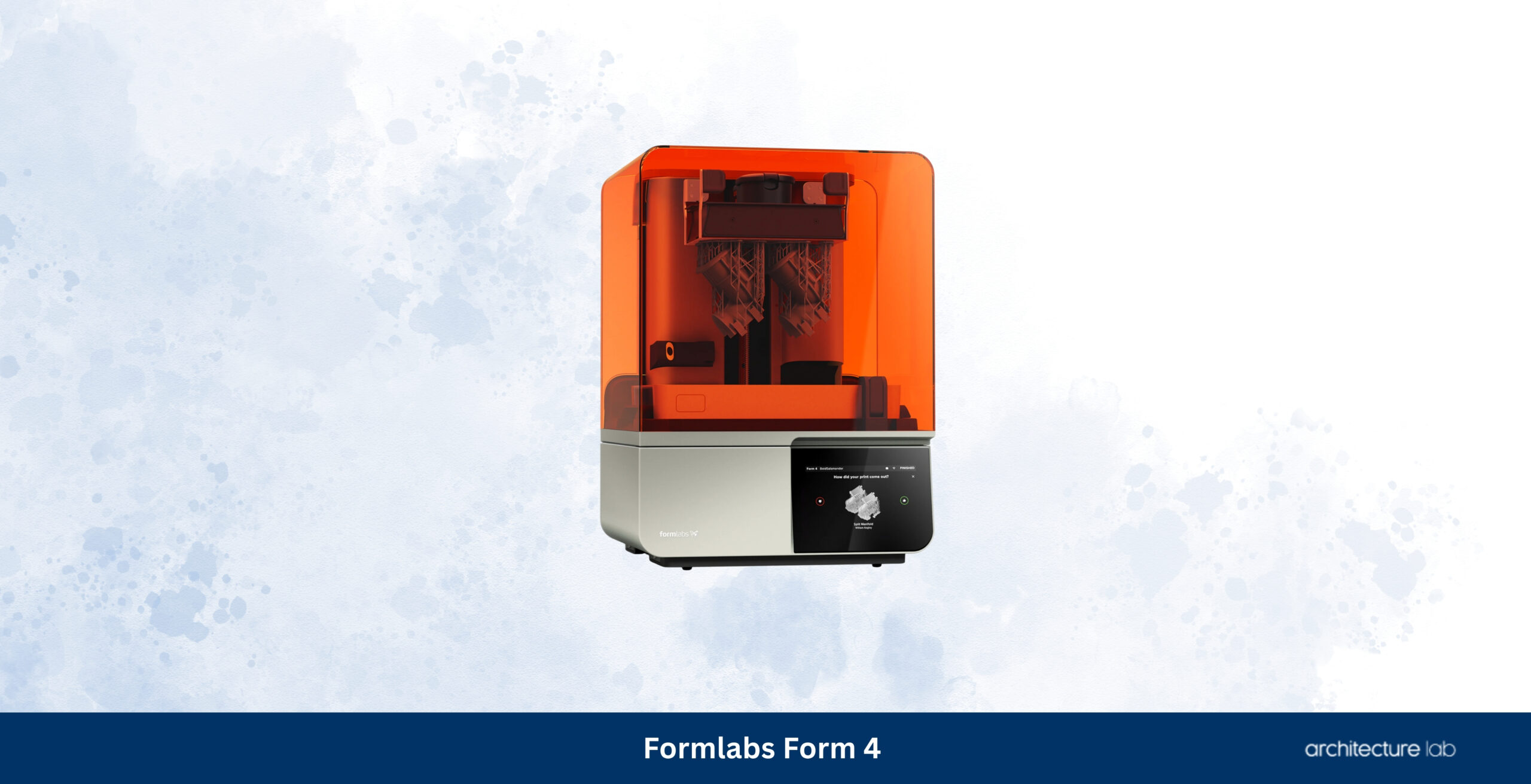
The Formlabs Form 4 continues to define what architects should expect from professional desktop resin printing. Filament printers remain the most practical choice for conceptual models, terrain studies, structural prototypes, and large presentation pieces, but they inevitably reveal layer lines, rounded edges, and limitations whenever extremely fine architectural detail becomes important. The Form 4 addresses those limitations by producing components with a level of precision that changes how presentation models are designed rather than simply how they are manufactured. Delicate curtain walls, perforated façades, stair balustrades, furniture, lighting fixtures, landscape elements, and ornamental details emerge with remarkably sharp definition while requiring very little finishing before painting. Throughout our evaluation, the greatest strength was consistency. Print quality remained predictable across repeated jobs, support removal caused minimal surface damage, and the overall workflow—from model preparation through washing and curing—felt considerably more refined than most competing resin systems. PreForm remains one of the strongest software environments available, allowing architects to spend less time experimenting with exposure settings and support strategies and more time refining the design itself.
The Form 4 ranks below the H2D and CORE One L because it fulfils a different role within an architectural office, rather than because it produces inferior work. Most studios will benefit more from owning a dependable filament printer capable of producing conceptual models every day than a specialised resin machine. Once presentation quality becomes the priority, however, few desktop systems currently match the refinement delivered by Formlabs. Compared with the Elegoo Saturn 4 Ultra, the Form 4 justifies its higher cost through a considerably more mature ecosystem, validated materials, exceptional reliability, and predictable long-term ownership rather than headline resolution figures alone. Architecture firms preparing competition entries, publication photography, museum exhibitions, or premium client presentations will continue to find the Form 4 one of the strongest professional investments available.
What We Like
- Exceptional dimensional accuracy and surface quality
- Outstanding workflow through PreForm software
- Minimal finishing before painting and presentation
- Highly dependable professional ecosystem
- Excellent long-term reliability
What We Don’t Like
- Higher operating costs than FDM printing
- Requires washing and curing after every print
- Smaller build volume than professional filament printers
04. Bambu Lab H2S – Best Large Single-Material 3D Printer for Architects
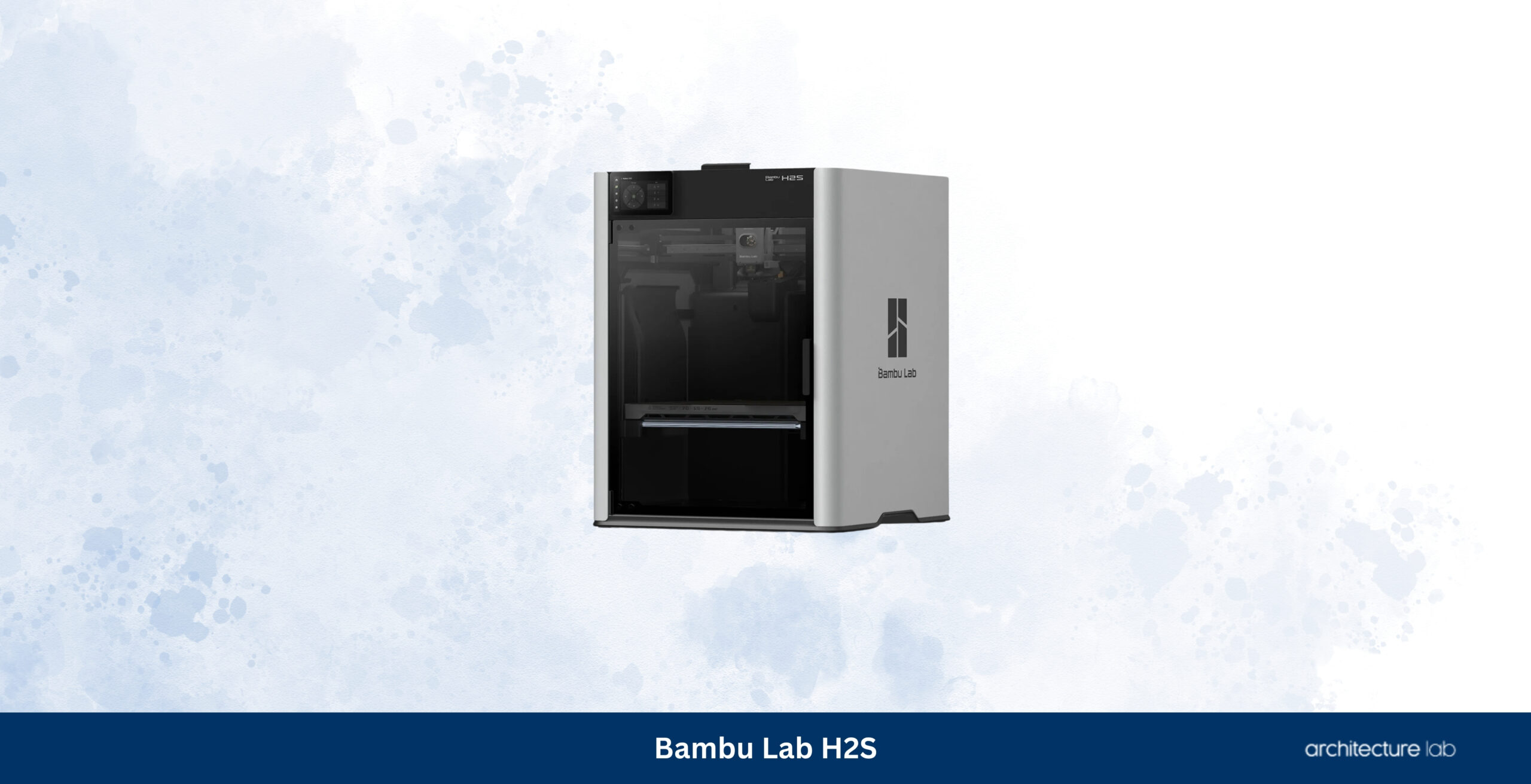
The Bambu Lab H2S demonstrates that many architectural practices do not actually need dual-nozzle printing to produce exceptional physical models. The overwhelming majority of architectural work is still printed using a single material, most commonly matte PLA for presentation pieces or PETG and ASA, where greater durability is required. By removing the second nozzle while retaining the same enclosed CoreXY platform, generous build volume, automatic calibration, chamber heating, intelligent monitoring, and mature software ecosystem, the H2S delivers nearly all of the practical advantages of the H2D while simplifying ownership and reducing cost. During evaluation, large terrain models, urban blocks, sectional studies, and competition entries consistently printed with excellent dimensional stability, while the spacious build area reduced the need to divide projects into multiple assemblies. The simplified hardware also reduced maintenance without affecting the qualities that matter most to architects: repeatability, dependable overnight production, and consistently clean presentation models.
The H2S follows the Form 4 because it returns the focus to day-to-day architectural production. Compared with the H2D, it sacrifices dual-nozzle flexibility but remains easier to justify for studios that rarely combine multiple materials within a single print. Compared with the Creality K2 Plus, it offers a noticeably more refined workflow, stronger software integration, and more dependable automation despite giving up a small amount of build volume. Architecture offices producing a continuous stream of conceptual models, planning studies, and presentation pieces will rarely feel constrained by the absence of a second nozzle. Instead, they gain a printer that remains remarkably simple to operate while maintaining the production quality expected from a modern professional fabrication platform.
What We Like
- Excellent balance between simplicity and capability
- Large enclosed build volume for architectural models
- Very dependable unattended printing
- Outstanding automatic calibration
- Mature software ecosystem
What We Don’t Like
- No independent dual-nozzle workflow
- Less flexible for advanced multi-material production
- Closed ecosystem compared with open-platform competitors
05. Original Prusa XL – Best Independent Toolhead 3D Printer for Complex Architectural Models
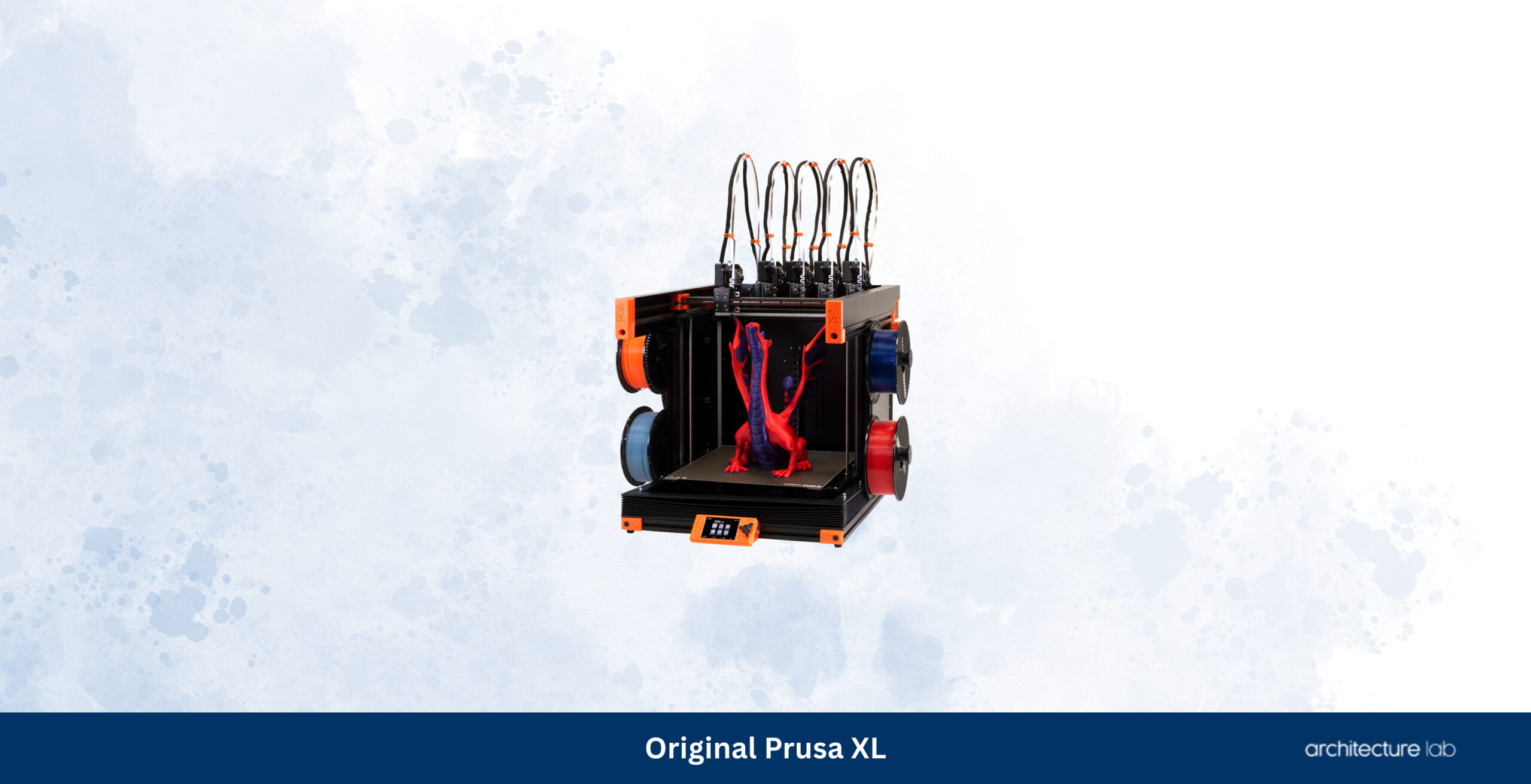
The Original Prusa XL remains one of the most technically innovative desktop printers available because it approaches multi-material fabrication differently from almost every competing platform. Instead of repeatedly purging filament through a single nozzle, the XL employs independent toolheads that remain permanently loaded with different materials or nozzle sizes, dramatically reducing waste while allowing each section of an architectural model to be printed using the most appropriate configuration. Terrain can therefore be produced rapidly through a larger nozzle while façades, staircases, structural members, and ornamental details are printed at considerably finer resolutions without compromising the efficiency of the overall build. During our evaluation, this flexibility proved especially valuable on complex presentation models where support material, multiple colours, or different layer heights would otherwise increase print time and post-processing. The generous 360 × 360 × 360 mm build volume further strengthens the platform by accommodating complete building masses, extensive site studies, and exhibition-scale models with minimal segmentation.
The XL ranks below the H2S because relatively few architecture practices fully exploit the advantages of independent toolheads daily. Architects primarily producing monochrome concept models will generally complete projects faster and with less preparation using one of the Bambu platforms. Studios specialising in exhibition models, urban planning, public consultation projects, or highly detailed multi-material assemblies, however, will appreciate capabilities that no conventional desktop printer currently matches. The platform also inherits Prusa’s long-standing commitment to repairability, open hardware, and unrestricted material compatibility, making it particularly attractive to universities, fabrication laboratories, and practices expecting to operate the same equipment for many years. Few printers demand more from their owner, yet few reward that investment with comparable flexibility once fully configured.
What We Like
- Independent toolheads virtually eliminate purge waste
- Supports multiple nozzle sizes within one print
- Excellent build volume for architectural models
- Open ecosystem with exceptional repairability
- Ideal for complex multi-material fabrication
What We Don’t Like
- Higher learning curve than most competitors
- Large footprint requires dedicated workspace
- Premium price for fully configured systems
06. QIDI Plus4 – Best Engineering-Material 3D Printer for Architects
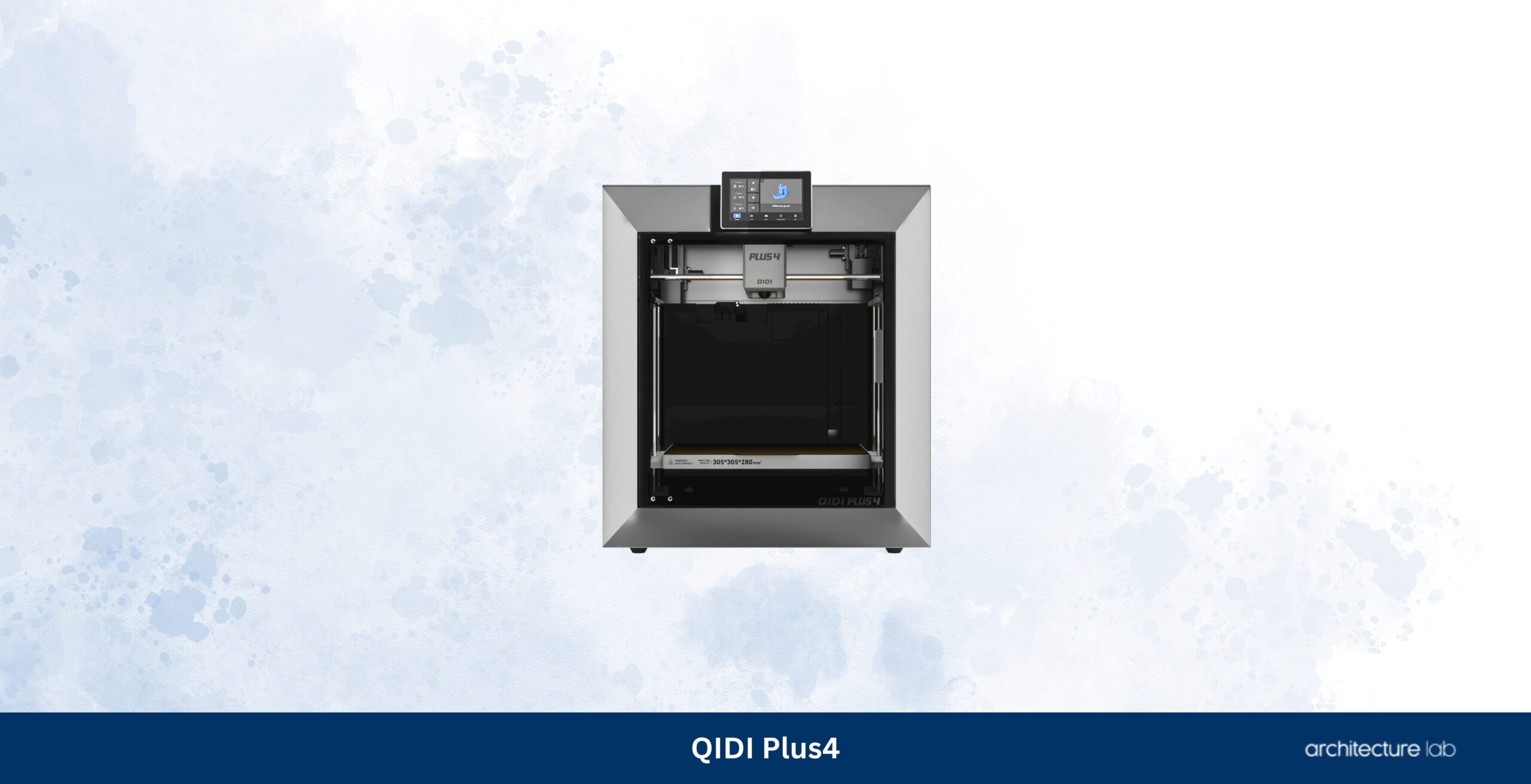
The QIDI Plus4 has quickly become one of the strongest value propositions in professional desktop 3D printing by combining features traditionally reserved for considerably more expensive machines into a platform that remains attainable for small architecture studios. An actively heated build chamber, enclosed CoreXY motion system, generous 305 × 305 × 280 mm build volume, high-temperature hotend, automatic bed leveling, and broad engineering-material compatibility allow it to produce everything from rapid concept models to durable workshop jigs and fabrication prototypes with remarkably little compromise. During our evaluation, the Plus4 consistently produced clean wall surfaces, accurate corners, and reliable dimensional tolerances across large architectural models while maintaining stable chamber temperatures for ABS, ASA, nylon, and carbon-fibre reinforced materials. QIDI Studio has matured significantly over recent generations, providing dependable slicing while remaining compatible with OrcaSlicer and other workflows preferred by experienced users. That flexibility makes the printer particularly attractive for architects who want professional capabilities without committing to a closed ecosystem.
The Plus4 ranks below the Prusa XL because it lacks independent toolheads and below the H2 series because its automation is less sophisticated, but neither limitation significantly affects most architectural workflows. Few offices regularly print multi-material presentation models, and many architects will appreciate the straightforward approach that the QIDI platform offers. The heated chamber expands material options well beyond standard PLA while maintaining a price that undercuts many professional competitors. Architecture practices producing functional prototypes, workshop fixtures, structural mock-ups, or exterior models in weather-resistant materials will find the Plus4 one of the strongest performance-per-dollar printers currently available. It fills the gap between enthusiast machines and enterprise systems remarkably well, making it one of the easiest recommendations for firms seeking professional capability without enterprise pricing.
What We Like
- Excellent value for a heated-chamber CoreXY printer
- Very strong compatibility with engineering materials
- Large build volume suitable for architectural models
- Reliable dimensional accuracy across long prints
- Open workflow with OrcaSlicer compatibility
What We Don’t Like
- Software refinement still trails Bambu Studio and PrusaSlicer
- Automatic workflow is less polished than premium competitors
- Smaller community than Bambu Lab or Prusa
07. Creality K2 Plus – Best Value Large-Format 3D Printer for Architects
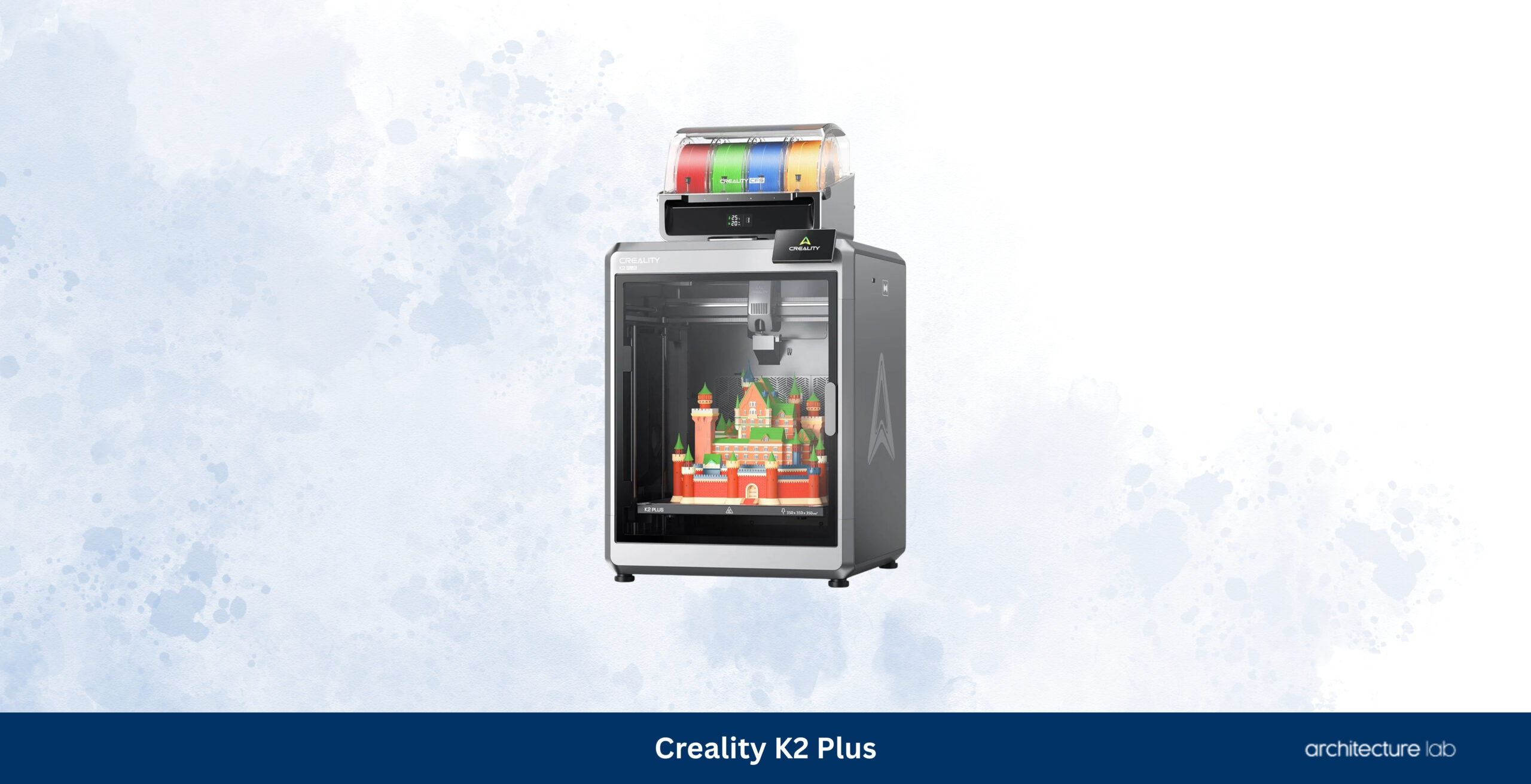
The Creality K2 Plus demonstrates how quickly the desktop 3D printing market has evolved. Earlier generations of large-format printers often required extensive calibration, hardware modifications, and continual maintenance before producing dependable results. The K2 Plus takes a markedly different approach by combining a rigid enclosed CoreXY frame, automatic calibration routines, chamber heating, intelligent monitoring, and a generous 350 × 350 × 350 mm build volume into a machine capable of producing architectural models at a scale previously associated with far more expensive equipment. Large urban blocks, landscape studies, master plans, and sectional models benefit immediately from the additional build area because they can often be printed as complete assemblies rather than divided into multiple sections. During testing, dimensional consistency remained impressive across wide, flat architectural components where frame rigidity and thermal stability become increasingly important. Creality Print has improved substantially, although many experienced users continue to prefer OrcaSlicer for greater process control and more mature support generation.
The K2 Plus ranks behind the QIDI Plus4 because its software ecosystem and long-term refinement have not yet reached the same level of maturity, even though the larger build volume offers obvious advantages for architectural work. Compared with the Bambu H2S, it sacrifices some workflow polish and automation while delivering one of the largest enclosed build areas available below professional enterprise pricing. That trade-off makes sense for architecture firms whose projects regularly exceed the build capacities of conventional desktop printers. Practices focused on urban planning, exhibition models, or large site studies will often recover the additional purchase cost simply by reducing assembly time and improving dimensional continuity across completed models.
What We Like
- Excellent 350 mm cubic build volume
- Strong value compared with similarly sized competitors
- Reliable enclosed CoreXY architecture
- Good automatic calibration features
- Ideal for large architectural models
What We Don’t Like
- Software ecosystem remains less mature than Bambu or Prusa
- Long-term reliability is still being established
- Large physical footprint requires dedicated space
08. Formlabs Form 4L – Best Large Format Resin 3D Printer for Architectural Presentation Models
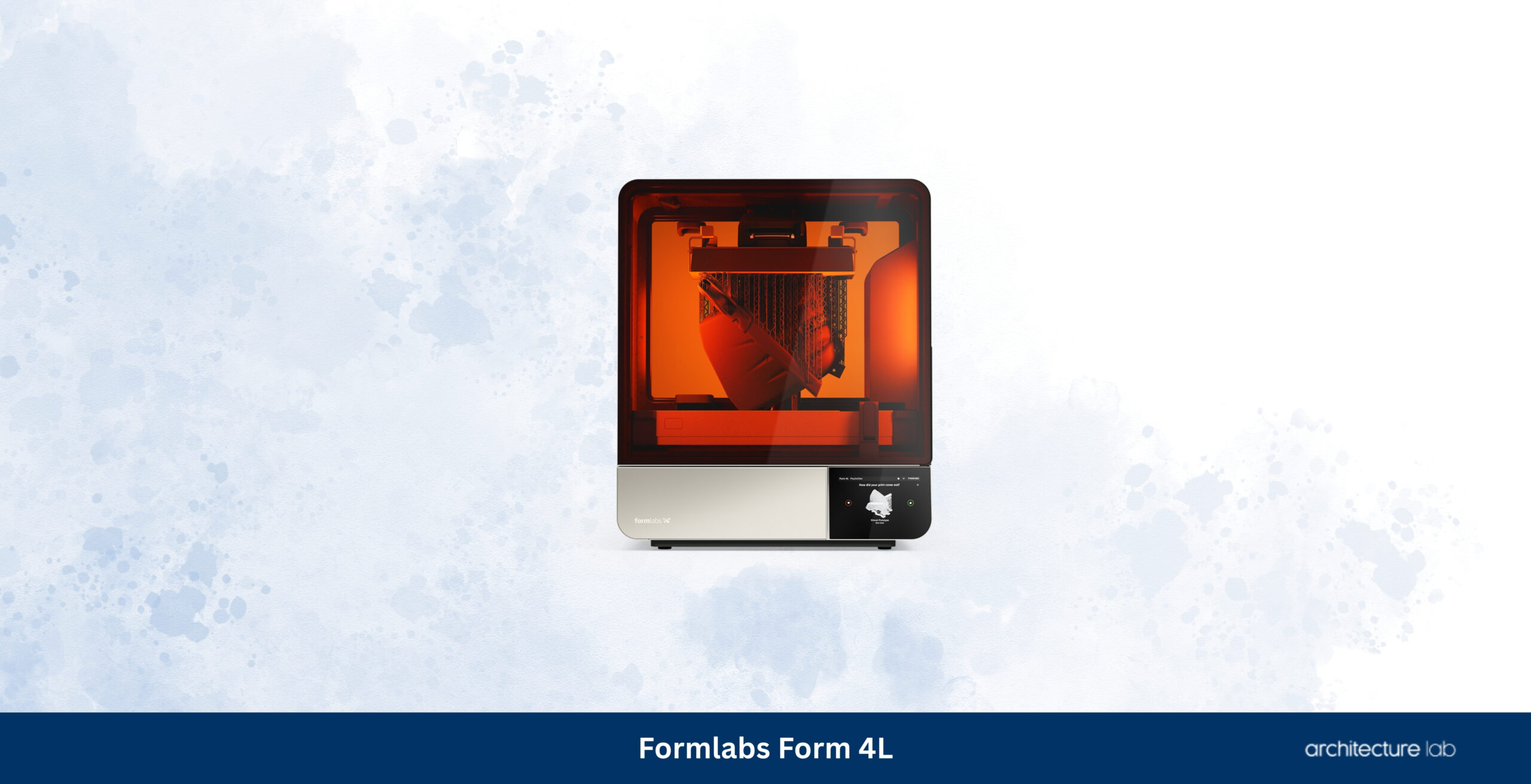
The Formlabs Form 4L expands the strengths of the Form 4 into a significantly larger production platform capable of manufacturing presentation models that previously required extensive segmentation or outsourcing. While most desktop resin printers are limited to façade fragments, furniture, and smaller building components, the Form 4L accommodates complete building masses, expansive façade elevations, large landscape sections, museum-quality competition entries, and exhibition models without sacrificing the dimensional accuracy and surface finish that have made Formlabs the benchmark in professional resin printing. Its large-format Low Force Display engine delivers exceptionally smooth surfaces with crisp edges, making delicate architectural details such as curtain wall systems, railings, perforated screens, structural trusses, and ornamental elements appear almost injection moulded directly from the printer. During evaluation, large presentation pieces emerged with remarkably consistent surface quality across the entire build platform, reducing sanding and finishing to a minimum while producing clean photographic models suitable for client presentations and publication.
The Form 4L occupies a specialised position within this guide because few architecture studios require resin models at this scale every week. Resin remains considerably more expensive than filament, while washing, curing, ventilation, and consumable management introduce additional operating complexity that many firms prefer to avoid for conceptual work. Nevertheless, no desktop platform currently combines build size, workflow maturity, material consistency, and presentation quality as successfully as the Form 4L. Studios producing competition entries, museum exhibitions, public consultations, or premium client presentations where visual refinement outweighs production cost will find the investment justified by the reduction in assembly work and finishing time. It complements rather than replaces a professional filament printer, allowing each technology to be used where its strengths become most valuable.
What We Like
- Exceptional presentation quality on large architectural models
- One of the largest professional desktop resin build volumes available
- Outstanding dimensional accuracy and surface finish
- Mature software ecosystem with reliable material profiles
- Reduces assembly compared with smaller resin printers
What We Don’t Like
- High purchase and operating costs
- Requires washing, curing and resin handling
- Less practical for rapid conceptual modelling
09. Prusa CORE One+ – Best Compact Professional 3D Printer for Small Architecture Studios
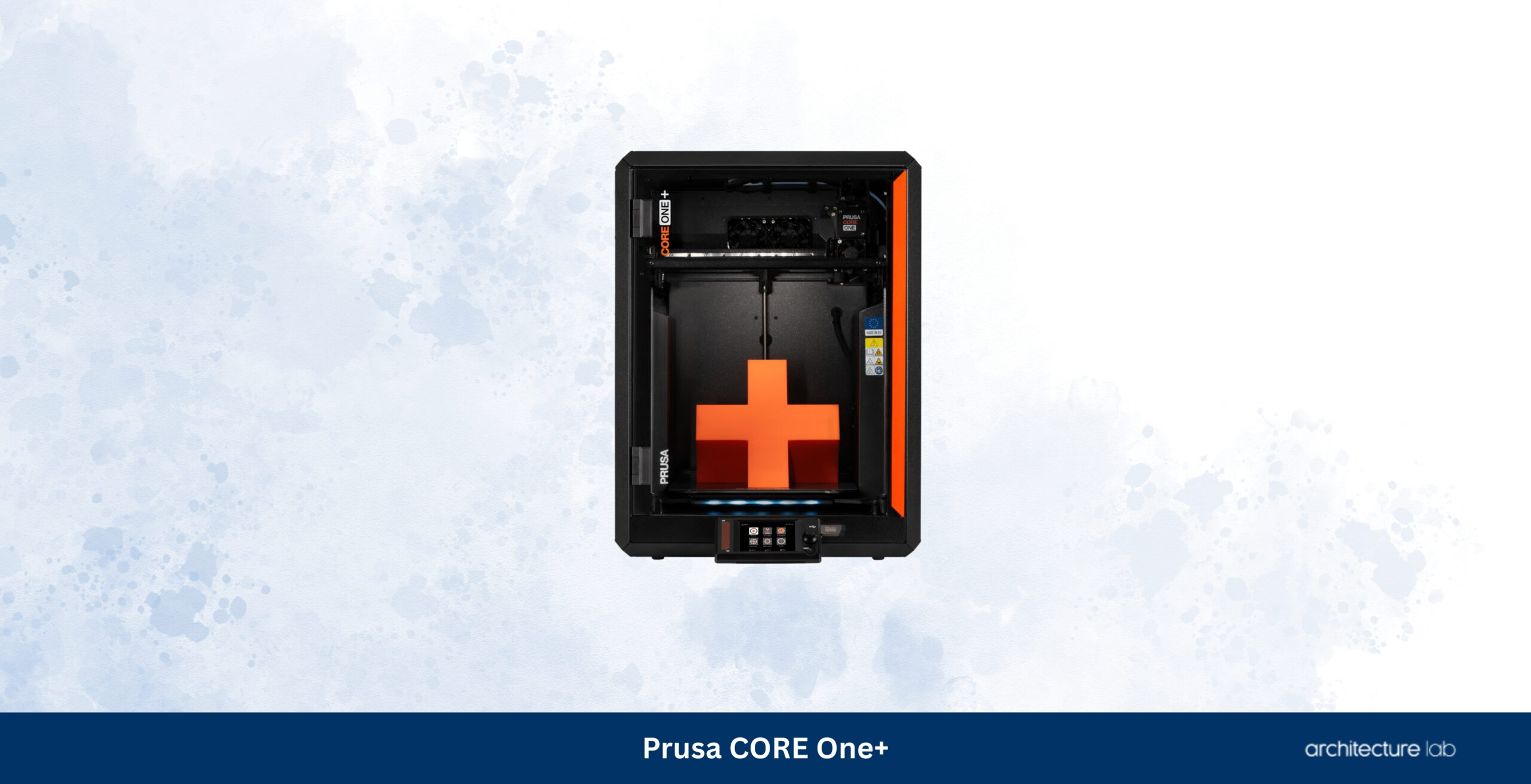
The Prusa CORE One+ demonstrates that a professional desktop printer does not require an exceptionally large footprint to become an invaluable architectural production tool. Sharing the same design philosophy as its larger sibling, the printer prioritises reliability, repairability, predictable print quality, and open workflows above headline specifications or extensive automation. Its enclosed CoreXY architecture, actively managed chamber, Nextruder extrusion system, and carefully refined firmware produce remarkably consistent dimensional accuracy across architectural models while occupying considerably less studio space than many competitors. Smaller practices, university fabrication laboratories, and architects working from home offices often benefit more from dependable daily production than from maximum build volume, making the CORE One+ one of the most balanced professional systems currently available. During testing, wall surfaces remained clean, corners reproduced accurately, and overhang performance proved consistently reliable across long print sessions using both standard PLA and engineering-grade materials.
The CORE One+ follows the Form 4L because it addresses a completely different requirement. Instead of pursuing maximum model size or presentation quality, it focuses on dependable everyday production with minimal long-term ownership risk. Compared with enclosed Bambu printers, the platform offers greater transparency, easier servicing, unrestricted material compatibility, and complete offline operation, features that become increasingly important in professional environments handling confidential architectural projects. The smaller build volume inevitably limits large urban studies or extensive terrain models, but for residential architecture, interiors, furniture studies, façade mock-ups, and university work, the available print area remains more than sufficient. Architects expecting to operate the same printer reliably for many years will appreciate the CORE One+’s mature ecosystem and unusually strong commitment to long-term support.
What We Like
- Excellent reliability and dimensional consistency
- Fully open workflow with offline operation
- Outstanding repairability and long-term support
- Compact footprint suits smaller studios
- Mature PrusaSlicer ecosystem
What We Don’t Like
- Smaller build volume than larger CoreXY competitors
- Less automated than Bambu Lab platforms
- No integrated multi-tool capability
10. Bambu Lab P2S – Best Enclosed 3D Printer for Small Architecture Practices
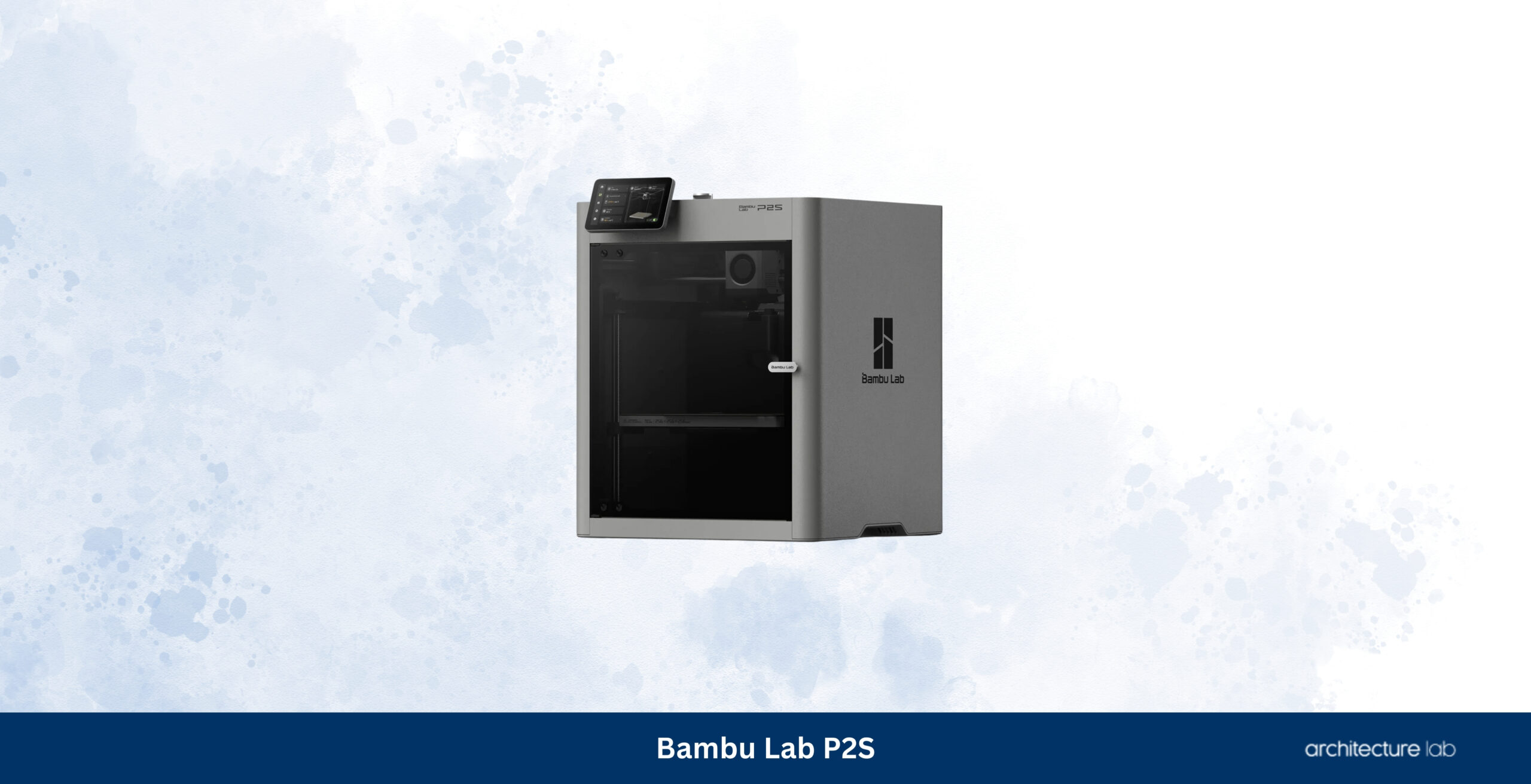
The Bambu Lab P2S brings much of the automation and ease of use associated with the company’s larger H-series machines into a more compact and accessible package. It is particularly well-suited to architecture students moving into professional practice, boutique design offices, and multidisciplinary studios that require dependable model production without dedicating substantial floor space or budget to fabrication equipment. Automatic calibration, enclosed printing, high-speed CoreXY motion, intelligent monitoring, and an exceptionally polished software ecosystem make the printer remarkably approachable for users who may only print several models each week rather than operating continuously. Throughout evaluation, conceptual studies, residential massing models, interior layouts, and presentation pieces consistently emerged with clean surfaces and dependable dimensional accuracy, requiring little intervention between slicing and final presentation.
The P2S ranks below the CORE One+ because it emphasises convenience over long-term openness. Architects who value unrestricted material choice, transparent firmware development, and complete repairability will still find the Prusa platform more attractive. Those prioritising ease of ownership, automated calibration, and rapid deployment will likely prefer the Bambu workflow. The printer’s build volume inevitably limits larger competition models, but its combination of reliability, software quality, and production speed makes it one of the strongest choices for practices producing medium-sized architectural models on a regular basis without investing in a substantially larger machine.
What We Like
- Excellent automation with very little setup
- Compact enclosed design suits smaller offices
- Fast and dependable production workflow
- Outstanding software ecosystem
- Very approachable for new users
What We Don’t Like
- Build volume limits larger architectural projects
- Closed ecosystem compared with Prusa
- Engineering material capability trails larger professional systems
11. Elegoo Saturn 4 Ultra 16K – Best Budget Resin 3D Printer for Architectural Detail
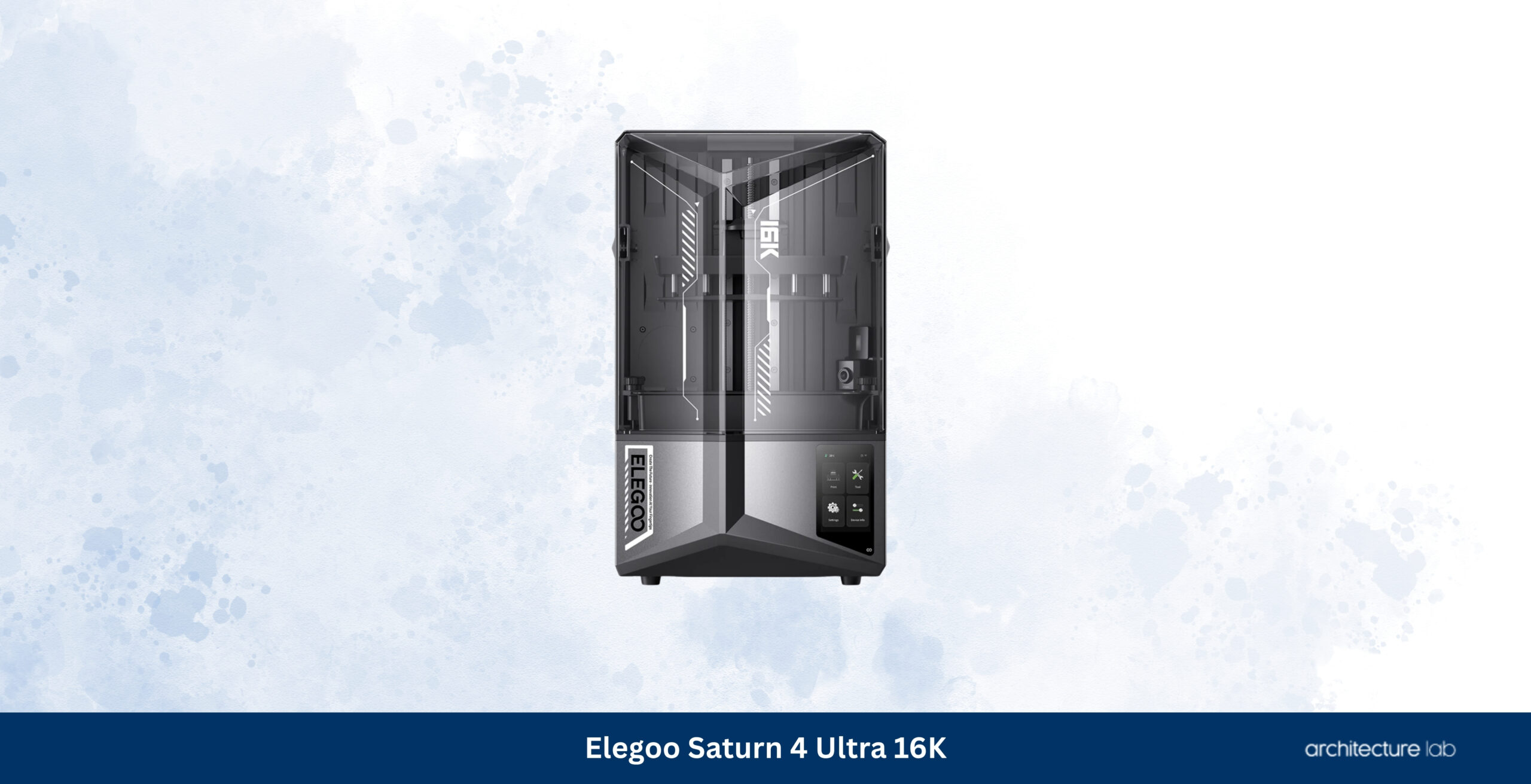
The Elegoo Saturn 4 Ultra 16K demonstrates how dramatically desktop resin printing has evolved over the past few years. High-resolution resin printing was once reserved almost exclusively for expensive professional systems, but printers such as the Saturn 4 Ultra now produce façade panels, staircases, miniature furniture, lighting fixtures, landscape elements, urban accessories, and ornamental architectural details with a level of refinement that satisfies many professional applications. During our evaluation, the printer consistently reproduced narrow mullions, perforated screens, balustrades, and fine structural components that would require extensive finishing on an FDM machine. Layer transitions remained almost invisible after priming, allowing presentation models to achieve a quality that would previously have required outsourcing. The automatic resin management features, improved exposure system, and considerably faster print speeds compared with previous Saturn generations make the printer much easier to integrate into an architectural workflow than earlier consumer resin machines.
The Saturn 4 Ultra follows the Formlabs systems because it approaches professional presentation quality at a fraction of the investment, although important differences remain. Formlabs continues to lead in software maturity, validated engineering materials, workflow consistency, and long-term reliability, advantages that become increasingly valuable in busy professional offices producing client work every day. Elegoo instead delivers remarkable print quality for practices willing to accept a more hands-on workflow and a less comprehensive software ecosystem. Architecture students, freelance designers, visualisation studios, and smaller offices requiring occasional exhibition-quality components will find it difficult to justify spending several times more unless production volumes become substantial. Used alongside a professional filament printer, the Saturn 4 Ultra creates a remarkably capable architectural fabrication workflow while remaining accessible to practices operating under tighter budgets.
What We Like
- Outstanding detail for the price
- Very smooth surface finish on architectural presentation models
- Fast resin printing compared with previous Saturn generations
- Excellent value for small architecture studios
- Simple setup and dependable print quality
What We Don’t Like
- Resin workflow requires washing and curing
- Software ecosystem is less refined than Formlabs
- Consumable costs remain higher than FDM printing
12. Bambu Lab A1 – Best 3D Printer for Architecture Students
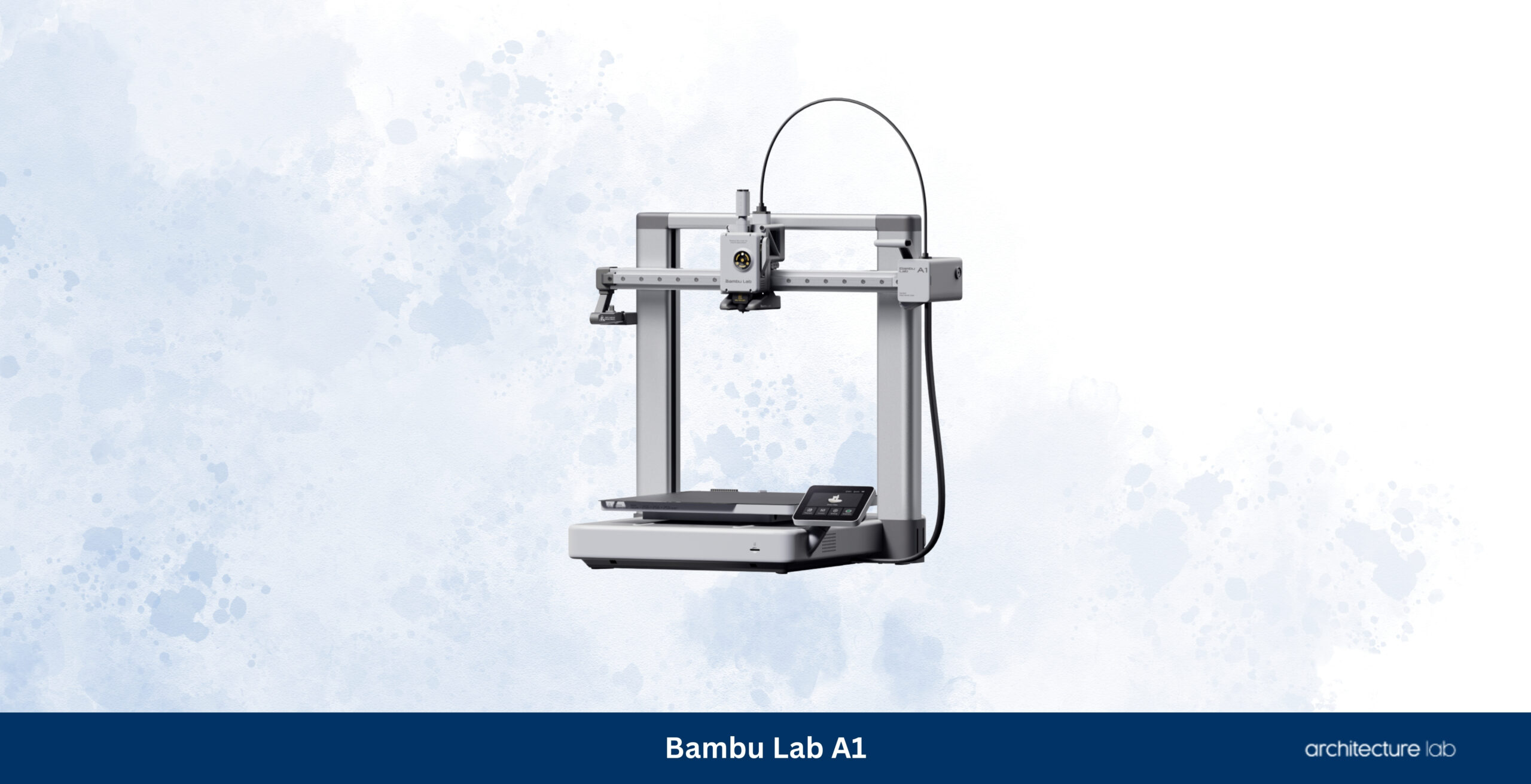
The Bambu Lab A1 has become one of the easiest desktop printers to recommend to architecture students because it removes many of the frustrations that traditionally discouraged newcomers from adopting additive manufacturing. Earlier student printers frequently demanded constant bed levelling, repeated calibration, hardware upgrades, and extensive troubleshooting before producing dependable results. The A1 replaces that experience with automatic calibration, intelligent monitoring, dependable filament handling, and a remarkably polished software workflow that allows students to concentrate on design rather than machine maintenance. Throughout our evaluation, first-year architectural models, physical massing studies, sectional diagrams, furniture prototypes, and structural explorations were printed with a consistency that would have required considerably more experience only a few years ago. The printer’s 256 mm build platform comfortably accommodates the majority of university assignments while maintaining production speeds that encourage rapid iteration rather than limiting experimentation.
The A1 occupies this position because architecture students typically require reliability, affordability, and simplicity above maximum production capacity. Larger enclosed printers remain better suited to professional offices, printing engineering materials or extensive site models, but they also introduce additional cost and complexity that many students simply do not need. Compared with similarly priced competitors, the A1 offers one of the most refined beginner experiences currently available while producing print quality that remains entirely suitable for architectural education. Students expecting to continue into professional practice will also benefit from becoming familiar with the Bambu software ecosystem, which has rapidly become one of the industry’s most widely adopted desktop fabrication platforms.
What We Like
- Extremely approachable for beginners
- Excellent automatic calibration
- Very reliable first-layer performance
- Outstanding value for architecture students
- Fast printing with minimal maintenance
What We Don’t Like
- Open-frame design limits engineering materials
- Smaller build volume than professional alternatives
- Less suited to continuous studio production
13. Modix BIG-60 V4 – Best Extra-Large 3D Printer for Architectural Models
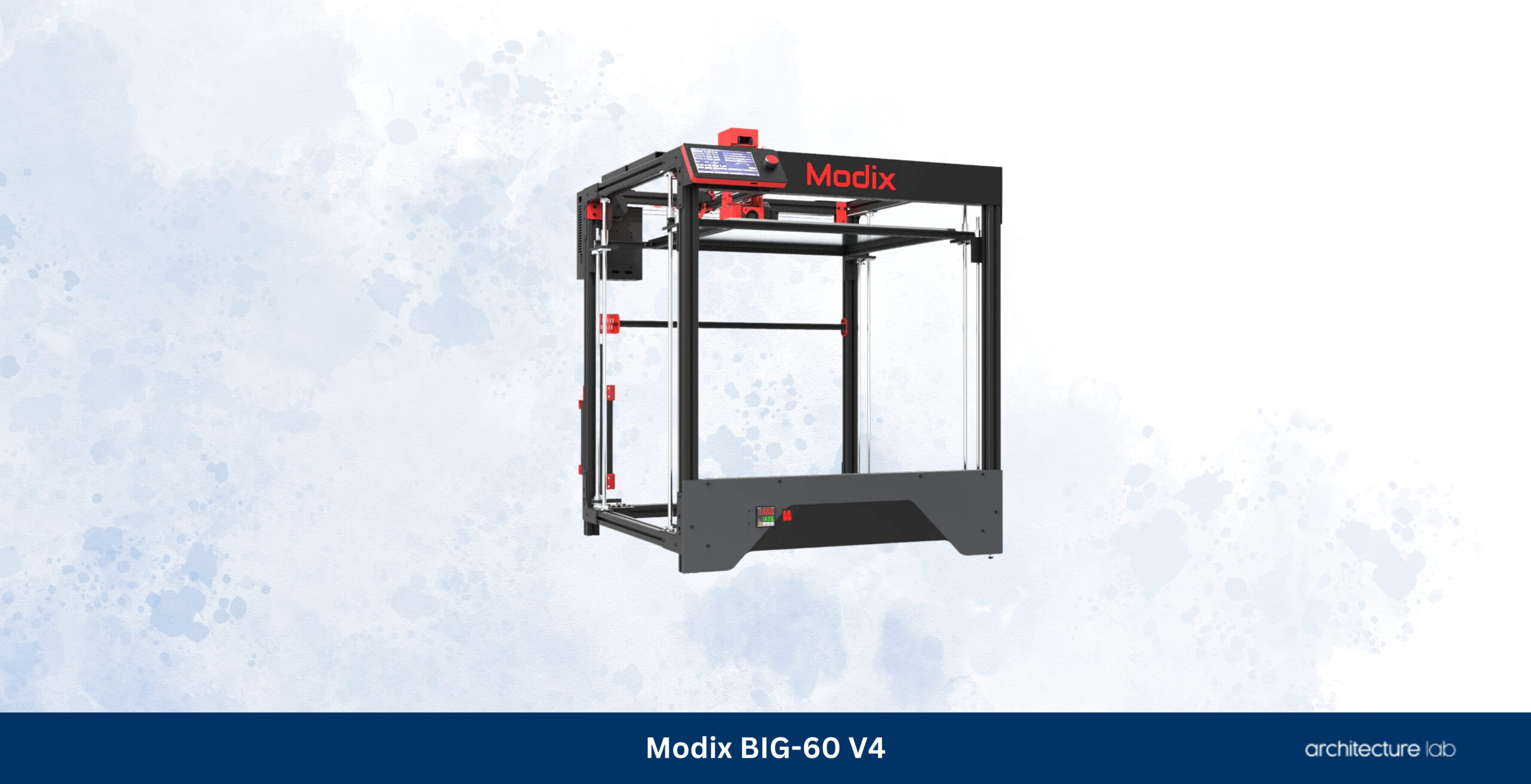
The Modix BIG-60 V4 occupies a niche unlike any other printer in this guide because it addresses a problem that conventional desktop systems simply cannot solve: producing exceptionally large architectural models as single assemblies. With a build volume measuring 600 × 600 × 660 mm, the printer accommodates complete urban masterplans, museum installations, exhibition pieces, infrastructure studies, landscape models, and competition entries that would otherwise require extensive segmentation followed by hours of assembly and finishing. Large-format printing does introduce additional challenges, including longer production times, greater material consumption, and increased sensitivity to environmental conditions, yet the advantages become immediately apparent whenever dimensional continuity across an entire project matters. During evaluation, the ability to print extensive site models without dividing roads, topography, or building masses into multiple sections significantly reduced post-processing while producing noticeably cleaner finished presentations.
The BIG-60 V4 appears last in this ranking, not because of print quality but because relatively few architecture practices genuinely require a machine of this scale. The printer demands dedicated floor space, operator experience, and careful environmental control while representing a considerably larger investment than conventional desktop systems. Most studios will achieve better overall value from one of the enclosed CoreXY printers placed higher in this guide. Practices specialising in urban planning, museum exhibitions, public consultation models, infrastructure projects, or academic fabrication laboratories, however, may find that no smaller printer can replace the production capacity offered by the BIG-60 V4. For those specialist applications, its unique capabilities remain unmatched by conventional desktop platforms.
What We Like
- Massive build volume eliminates model segmentation
- Ideal for urban planning and exhibition models
- Modular design simplifies servicing
- Broad material compatibility
- Professional large-format capability
What We Don’t Like
- Requires significant floor space
- Long print times on very large projects
- Considerably more expensive than desktop printers
Is an FDM or resin 3D printer better for architecture?
FDM and resin printers serve different architectural workflows. FDM printers are better for conceptual models, massing studies, terrain, structural prototypes, and large presentation models because they offer larger build volumes, lower running costs, and simpler post-processing. Resin printers are better for façades, furniture, landscape elements, ornamental components, and competition models where fine detail and smooth surfaces matter most. Most professional studios benefit from using an FDM printer for everyday production and a resin printer for presentation-quality components.
Is buying a 3D printer worth it for architects?
A 3D printer is worth buying for architects who produce physical models regularly. In-house printing reduces outsourcing costs, shortens turnaround times, supports faster design iteration, and allows models to be revised immediately after client or internal feedback. The investment is easiest to justify for architecture students, competition-focused studios, model-making teams, and practices that routinely produce massing studies, terrain models, façade prototypes, or presentation pieces.
Which 3D printer is the best overall for architects?
The Bambu Lab H2D is the best overall 3D printer for architects because it combines a large enclosed build volume, dependable automation, dual-nozzle flexibility, fast production, broad material compatibility, and a mature software workflow. Architects who prioritize open hardware, offline operation, and long-term repairability should consider the Prusa CORE One L, while studios producing exceptionally detailed presentation models should consider the Formlabs Form 4.
What is the best 3D printer for architecture students?
The Bambu Lab A1 is the best 3D printer for most architecture students because it offers automatic calibration, dependable first layers, fast printing, a useful 256 × 256 × 256 mm build volume, and a relatively low learning curve. An FDM printer is usually more practical than a resin printer for student work because filament is less expensive, easier to handle, and better suited to massing models, site studies, and repeated design iterations.
Which 3D printer is best for a small architecture studio?
The Bambu Lab P2S is one of the strongest options for a small architecture studio because it combines an enclosed CoreXY platform, reliable automation, a compact footprint, and fast production without the cost or space requirements of a larger professional machine. Studios that prioritize repairability and offline operation may prefer the Prusa CORE One+, while firms producing larger models or engineering parts should consider the Bambu Lab H2D or Prusa CORE One L.
What size 3D printer do architects need?
Most architects should look for a build volume between 250 mm and 350 mm in width and depth. Printers around 200–220 mm suit furniture, façade details, and small presentation components; 250–260 mm machines cover most student, residential, and everyday office work; 300–350 mm platforms reduce assembly on commercial buildings, terrain models, and urban blocks; and machines above 600 mm are specialist tools for masterplans, exhibitions, and large public models.
What is the best filament for architectural models?
Matte PLA is the best filament for most architectural models because it is inexpensive, dimensionally stable, easy to print, easy to paint, and less reflective than glossy materials, which helps conceal layer lines in photographs and presentations. PETG is better for durable prototypes and workshop fixtures, ASA for outdoor models exposed to sunlight, ABS for heat-resistant functional parts, TPU for flexible components, and nylon or carbon-fibre composites for engineering prototypes and fabrication aids.
Can you 3D print models from Revit, Rhino, SketchUp, or ArchiCAD?
Yes, models created in Revit, Rhino, SketchUp, Archicad, Blender, and other architectural programs can be prepared for 3D printing. The geometry is usually exported as STL, 3MF, OBJ, or STEP and opened in slicing software such as Bambu Studio, PrusaSlicer, OrcaSlicer, or PreForm. Before export, walls, roofs, floors, and other elements should form watertight solids with enough thickness to survive printing and handling.
How accurate are modern 3D printers?
Modern professional desktop 3D printers are accurate enough for most architectural model-making applications, including massing studies, façade prototypes, furniture components, and presentation models. FDM accuracy depends on calibration, material shrinkage, nozzle size, print orientation, and environmental stability, while resin printers generally reproduce smaller openings and finer surface detail. Architectural assemblies should still include practical tolerances where printed parts must fit together.
How long does it take to 3D print an architectural model?
Print time depends on model size, layer height, nozzle diameter, infill, material, support requirements, and printer speed. Small study models may take one to three hours, residential presentation models often require six to twelve hours, and large terrain, commercial, or urban models may run for twenty-four hours or longer. Splitting a project across multiple printers or using a larger nozzle for terrain and massing can reduce total production time substantially.
How much does it cost to run a 3D printer?
FDM printers are relatively inexpensive to operate because most architectural models consume modest quantities of filament and electricity, although failed prints, replacement nozzles, build plates, filters, and maintenance should be included in the total cost. Resin printers cost more because they require resin, washing fluid, curing equipment, gloves, replacement tanks, and additional ventilation. In-house printing is still often less expensive than repeatedly outsourcing architectural model production.
Should I buy a 3D printer or outsource architectural models?
Architects who produce models frequently should usually buy a dependable desktop printer because in-house production allows faster revisions, lower recurring costs, and greater control over deadlines. Outsourcing remains useful for exceptionally large models, industrial finishes, complex mixed-material fabrication, or projects requiring equipment beyond desktop capabilities. Many practices use a hybrid approach, printing study models internally and outsourcing only the most demanding presentation work.
Are architects still building models by hand?
Yes, hand-built architectural models remain common, but they are increasingly combined with digital fabrication. Professional model makers often mix 3D printed components with laser-cut acrylic, wood, cardboard, foam board, CNC-machined parts, metal, and hand-finished surfaces because each process handles different forms and materials more effectively. 3D printing has expanded traditional model making rather than replacing it.

